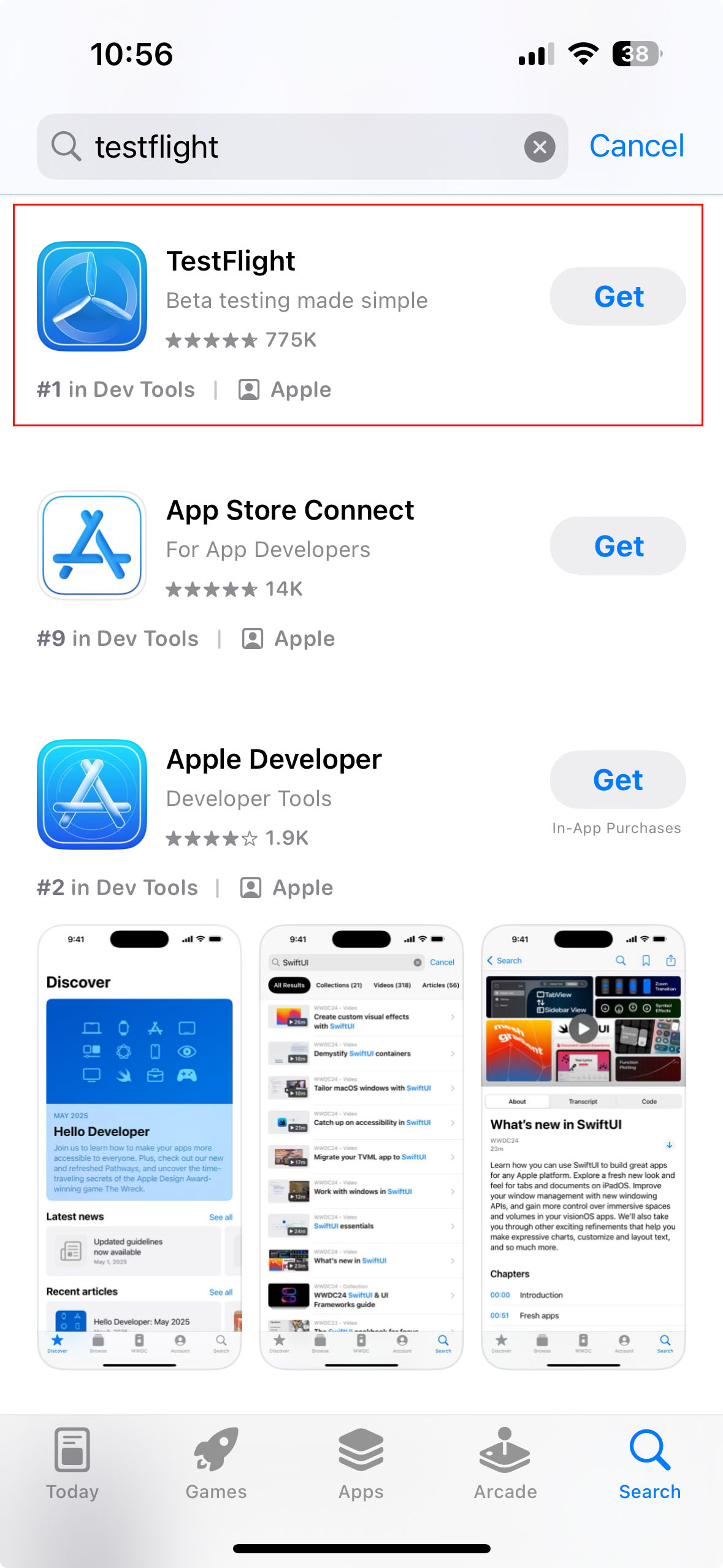
Use an email account that you have access to receive TestFlight email invitation. TestFlight app is required to be installed on your Apple device in order to install the beta app.
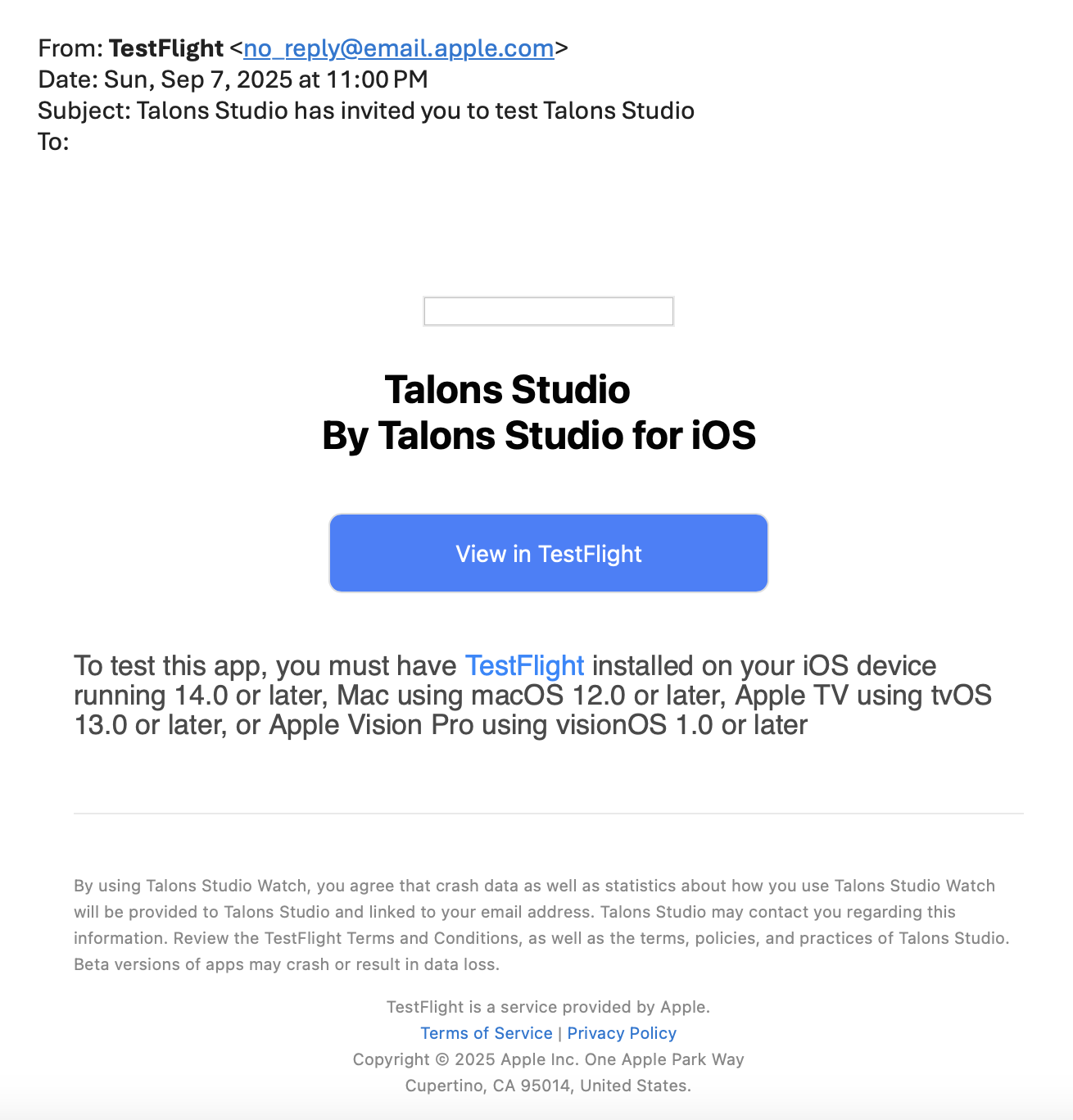
To accept the invitation: open the invitation email and tap “View in TestFlight” (or the public link), then tap Accept and Install to download the beta app to your device.
Get Started
-
Get the TestFlight app: Download TestFlight from the App Store on your iPhone and iPad.
-
Receive an invitation: The app developer will send you an email or provide a public link. This invitation email will be sent from Apple and looks something like below:
- Open the invitation: Open the email on your Apple device.
- View in TestFlight: Tap the “View in TestFlight” link.
- Accept and install:
- If you are a new tester: tap Accept, then Install.
- If you are a returning tester: tap Update or Open instead.
Notes
- Any email account (Gmail, iCloud, Outlook, etc.) can be used to receive the invitation.
- You must use the same email account that the developer invited for the TestFlight build to work.
- The beta app will only install on a compatible Apple device.